Airbnb listing photos that book more nights
What makes San Diego Airbnb listing photos actually book more nights: cover shots, amenities, outdoor space, and free detail photos that show the guest experience.

A guest comparing stays in San Diego usually scrolls first and reads second. The photos tell them whether a place looks comfortable, clean, and like the right fit for their trip. Clear, accurate, inviting photos help your listing get chosen over the one next to it.
This post is about which photos do that work. If you are looking for the shoot-day checklist, that is a separate guide: how to prepare your Airbnb for photos.
Start with a cover photo that shows the stay at a glance
The first image is what a guest sees in search results, so it carries the most weight. Pick the one thing that best explains why someone would stay at your place:
- A bright, open living space
- A view or a bedroom with a view
- Outdoor living, like a patio, deck, or pool
Choose it honestly. The cover photo should be bright, true to life, and shot at a height and angle that looks like what a guest sees when they walk in. A great hero image makes a guest curious. A misleading one only creates a disappointed guest at check-in.
Cover every space a guest will use
Guests want to know what they are booking. Shoot each room they will use, so they can picture the layout and how the light moves through it:
- Living and dining areas, from the corner that shows the most of the room
- Every bedroom, with a clear view of the bed size and where the closet or desk sits
- Every bathroom
- The kitchen, wide enough to show how it works for cooking a meal
- Entryways, hallways, and flex spaces like a den or office
Honest coverage also saves you questions. When the photos answer “where does everyone sleep?” and “is there room to sit together?”, guests arrive knowing what to expect.
Show the amenities and outdoor space that decide the booking
In San Diego, outdoor space is often what tips a decision. If your property has it, give it its own photos:
- Pool, spa, or rooftop deck
- Patio seating, outdoor dining, or a barbecue
- A fire pit or backyard lounge area
- Balconies and any view worth seeing
- Parking, when it is a real convenience (garage, driveway, or a dedicated spot)
- Kitchen extras like a coffee setup, wine fridge, or bar cart
Style these areas the way a guest would use them, with cushions out, towels folded, and the table set. A photo that says “you could spend your evening here” does more than an amenity list can.
Add detail photos that show the guest experience
Wide room shots show the space. Closer-up detail photos show how it feels to stay there. Think of a coffee bar stocked for the morning, crisp bedding and pillows, a bathroom with fresh towels and a tidy vanity, or a styled corner with a book and a lamp.
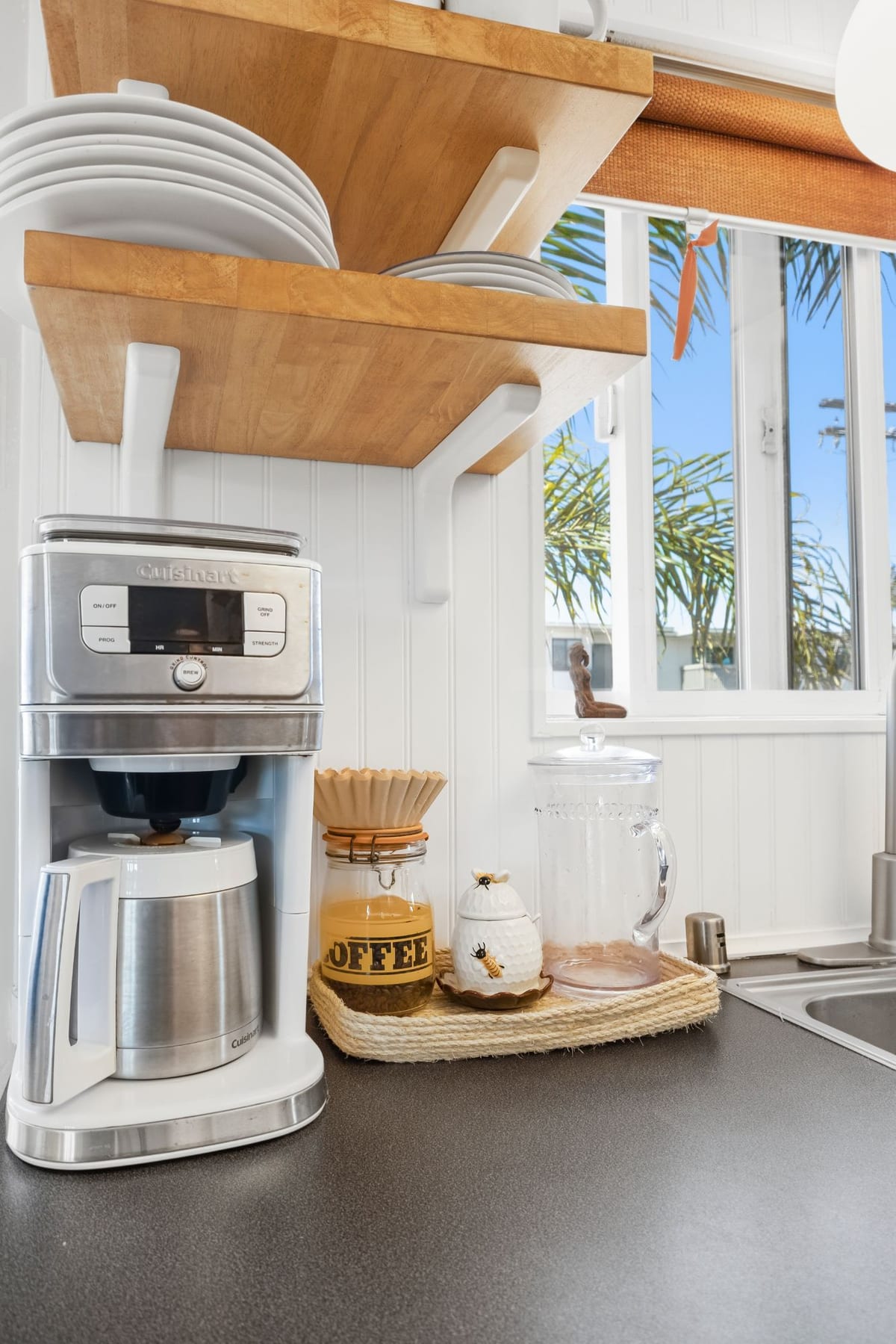
These images break up a long gallery, reinforce the little touches that make a stay feel cared for, and give guests more reasons to say yes.
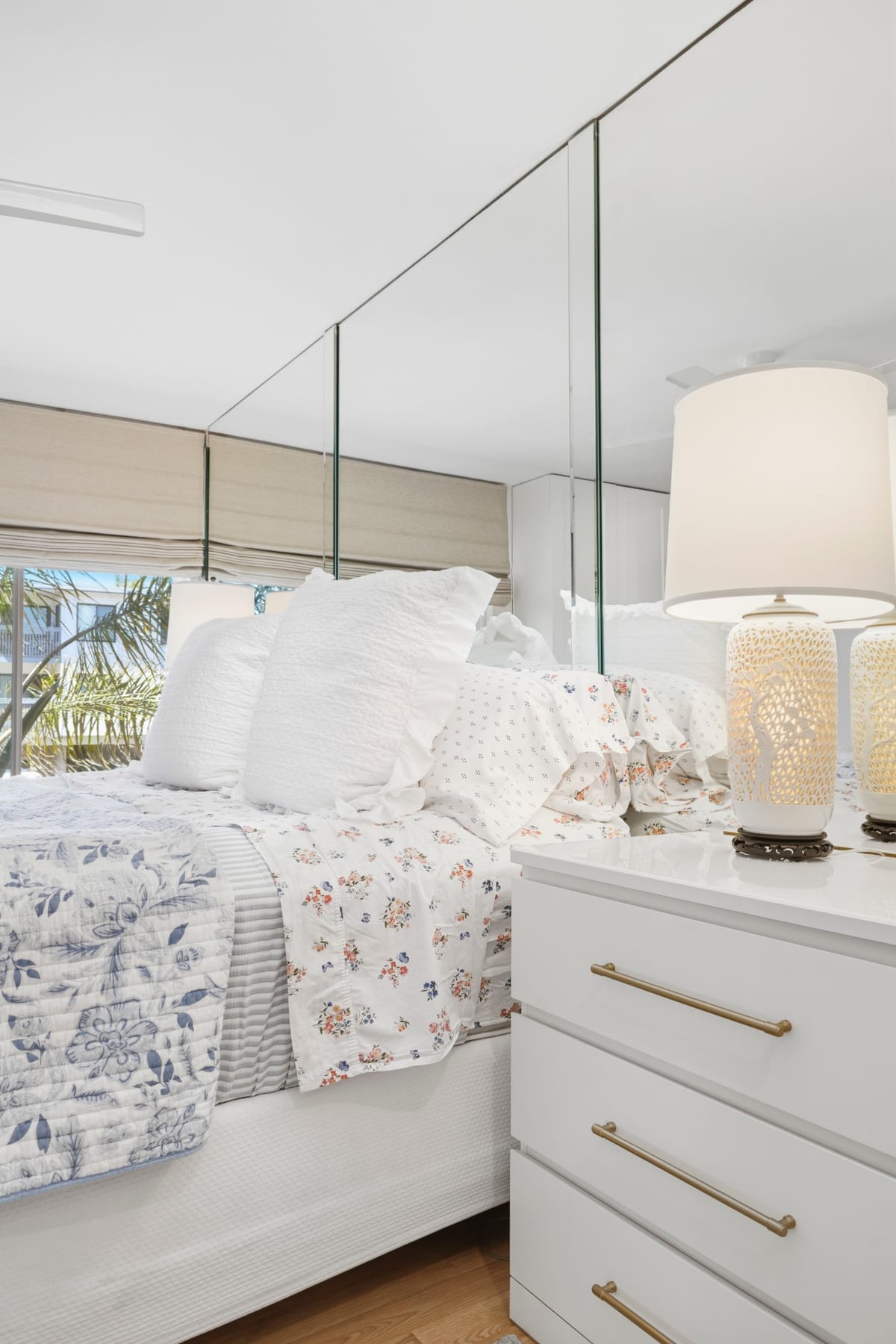
Blue Coast Visuals includes free detail photos with every Airbnb shoot. These are closer-up images of home features, amenities, and anything that highlights the guest experience, added on top of your unlimited photos.
What to avoid
Most of these are easy fixes, and none of them mean your property is not photo-ready:
- Dark or tight crops. A dim photo or a shot so close you cannot tell the room’s size leaves guests guessing.
- Misleading angles. Ultra-wide shots that make a small room look huge can backfire when guests arrive. Show the space as it is, at its best.
- Clutter that hides the space. Stray cords, laundry baskets, and crowded counters pull attention from the room.
- Over-editing. If the colors, light, or finishes do not match what a guest finds at the door, the review will say so.
If you use virtual staging on any image, it needs to be labeled “digitally altered” under California’s AB 723, and the room should still reflect what guests will find.
Prep the property first
Good photos start with a property that is ready to be seen. We keep the full checklist in two places so this post does not repeat it: the Airbnb prep guide and our general photo prep page.
Photos for your San Diego Airbnb
Blue Coast Visuals photographs San Diego Airbnbs and vacation rentals with unlimited photos, free detail photos, a Free Property Website, and next-day galleries. You can see packages and pricing on the Airbnb photography page, or read more about our vacation rental photography and the full list of services.
If you also manage rentals for other owners, see property management photography. You can browse recent work in the portfolio or learn more about Megan.
Ready to schedule? Book your shoot, or get in touch with questions first.


